

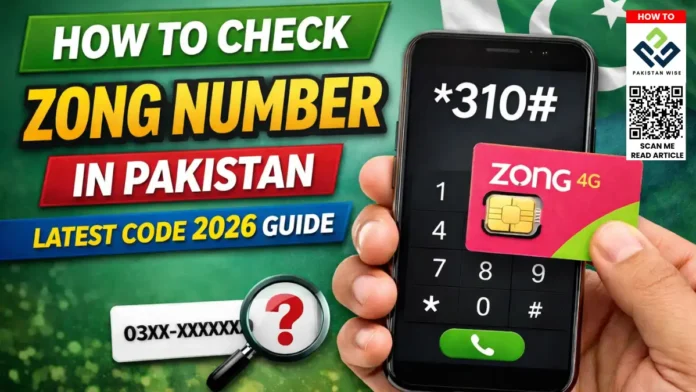
How to Check Zong Number: 3 Quick Methods
Zong is Pakistan’s largest 4G network, serving millions of subscribers across the country. Whether you just bought a new SIM, forgot your number, or need to share it with someone, checking your Zong number is quick and easy. This guide covers three verified methods — a USSD code, an SMS shortcut, and the MyZong app — so you can find your number in under a minute.
Method 1: Dial *310# (Fastest Way)
The most reliable and widely used way to check your Zong number is by dialing a USSD shortcode directly from your phone’s dialer. No internet or balance is required.
Steps:
- Open your phone’s dialer app.
- Type *310# and press the Call button.
- A pop-up message will appear on your screen.
- Your Zong number will be displayed in the message.
Dial Code:
*310#
Note: This method works even with zero balance and without a data connection. It is the fastest option available.
Method 2: Send an SMS to 668
If the USSD code does not work on your handset, you can use the SMS method as an alternative. This is especially useful for older or basic phones.
Steps:
- Open your Messages or SMS app.
- Create a new message and type: MNP
- Send the message to 668.
- You will receive a reply containing your Zong mobile number.
Note: A small SMS charge may apply depending on your active bundle. The reply is usually instant.
Method 3: Use the MyZong App
The official MyZong app by Zong Pakistan gives you full control over your account, including instant access to your mobile number. It is free to download and use.
Steps:
- Download the MyZong app from Google Play Store or Apple App Store.
- Open the app and log in using your Zong SIM number or account credentials.
- Your registered Zong number will appear on the home screen dashboard.
Bonus: The MyZong app also lets you check your remaining balance, activate bundles, and manage your account all in one place.
Quick Comparison: All Three Methods
| Method | Requirement | Speed |
| Dial *310# | No balance, no data | Instant |
| SMS to 668 | SMS credit needed | Very Fast |
| MyZong App | Internet + app install | Fast |
Frequently Asked Questions
Can I check my Zong number without balance?
Yes. Dialing *310# works with zero balance and without an active data bundle. It is the recommended method when your account is empty.
Does *310# work on all phones?
Yes, the USSD code *310# works on all types of phones including basic feature phones, Android smartphones, and iPhones.
What if none of the methods work?
If all three methods fail, contact Zong customer care by dialing 310 from your Zong SIM. You can also visit the nearest Zong franchise with your CNIC for in-person support.
Checking your Zong number is simple and takes less than a minute. The best method is to dial *310# — it requires no balance, no internet, and works on every phone. If that does not work, try sending MNP to 668 or use the MyZong app. Keep your number saved so you do not have to look it up again.

